Learn how to retrieve your license key from your billing dashboard and activate your premium subscription inside NAToolKit.
Access Your Order
After completing your purchase, click the "View Order" button and you'll be redirected to the Lemon Squeezy dashboard. If you missed that, you can also access it directly at:
Access your orders dashboard directly: 👉 https://app.lemonsqueezy.com/my-orders
Sign In
On the login page, enter the email address you used to purchase NAToolKit. You'll receive a magic login link in your inbox — click it to sign in.
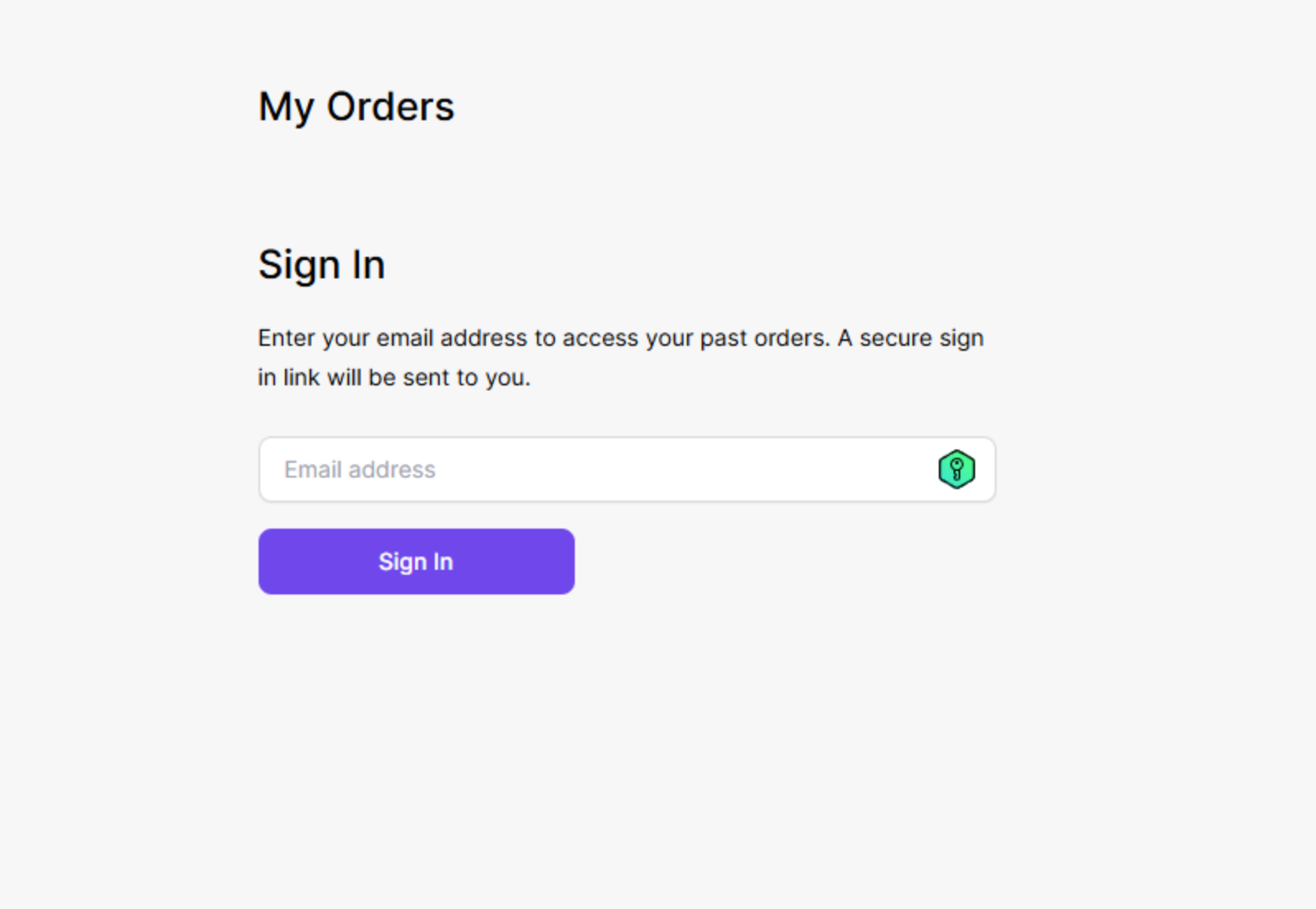
Sign in with the email address used for purchase.
Find Your License Key
Once inside your dashboard, navigate to the License section. Copy your license key from there.
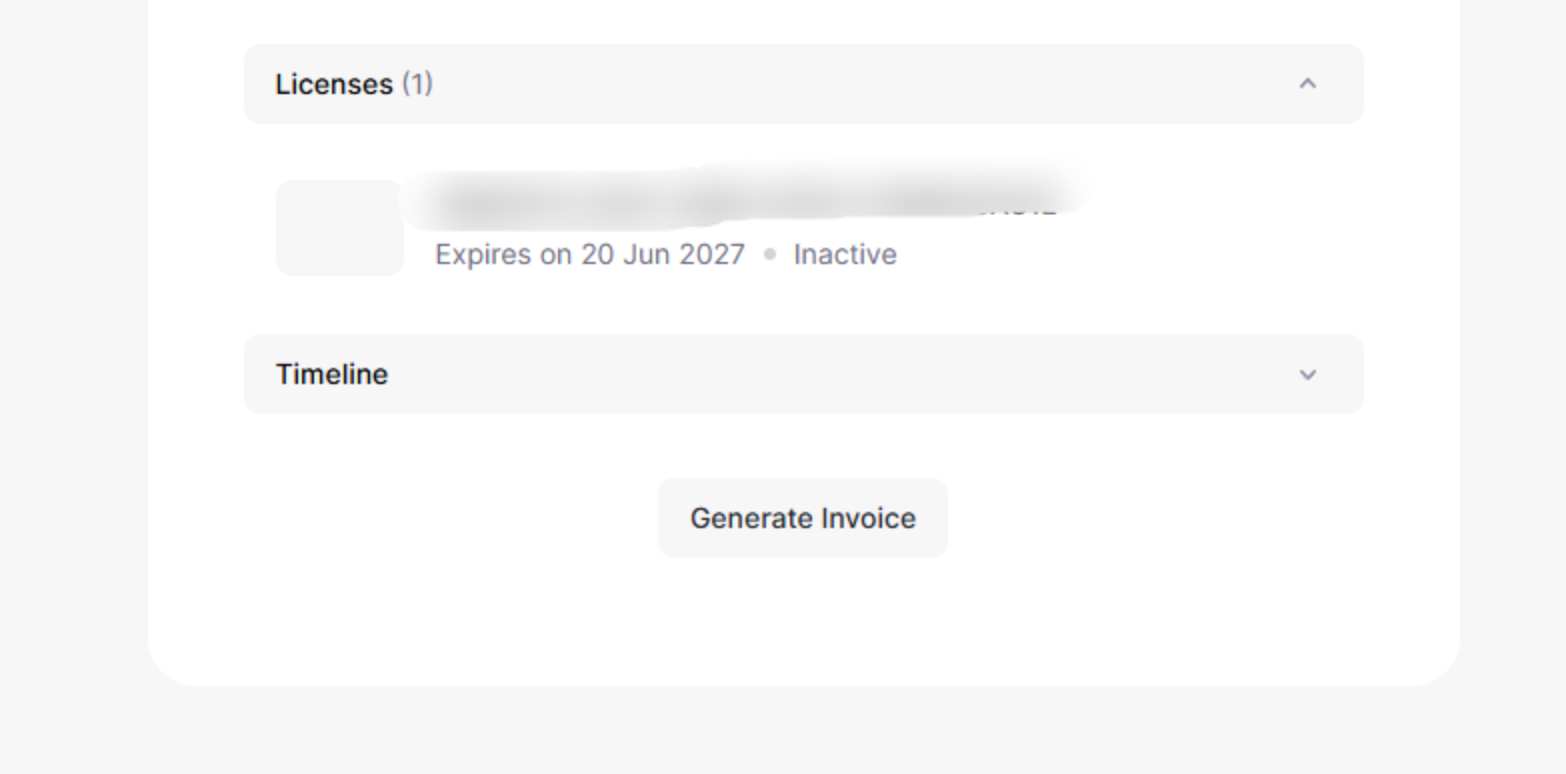
Click on your purchase to see product details.
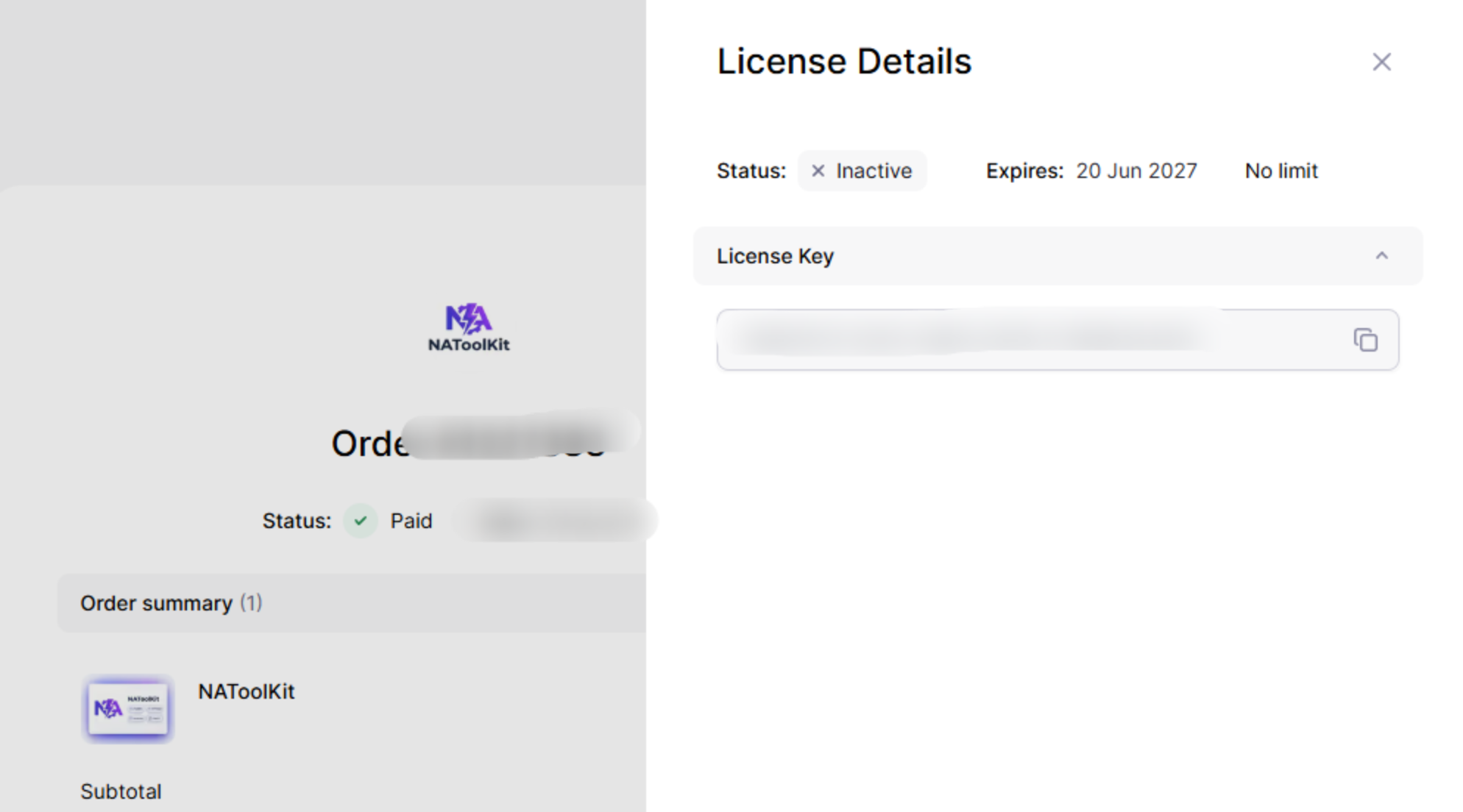
Copy your license key to your clipboard.
Activate NAToolKit
- Go to chatgpt.com
- Click the NAToolKit browser extension icon (or gear icon in the sidebar) to open settings.
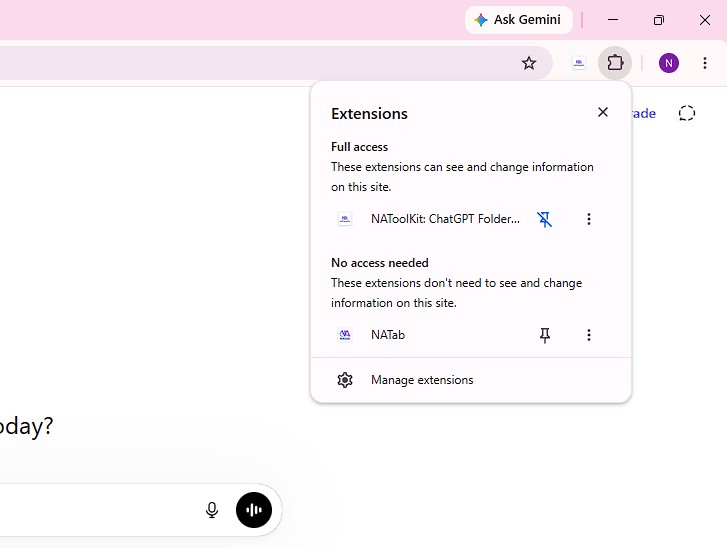
Open settings inside the ChatGPT sidebar or click the extension icon.
- Navigate to the Plan & Billing section.
- Paste your license key into the field and click Activate.
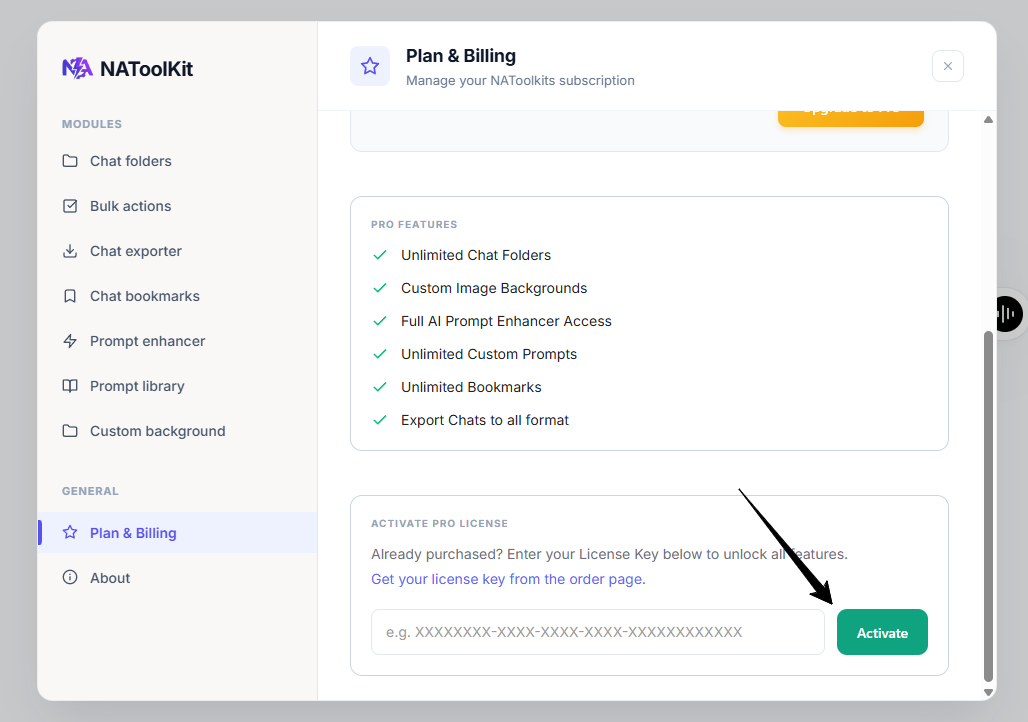
Enter your key and click Activate in settings.
✅ You're all set! Your plan is now active — enjoy NAToolKit!
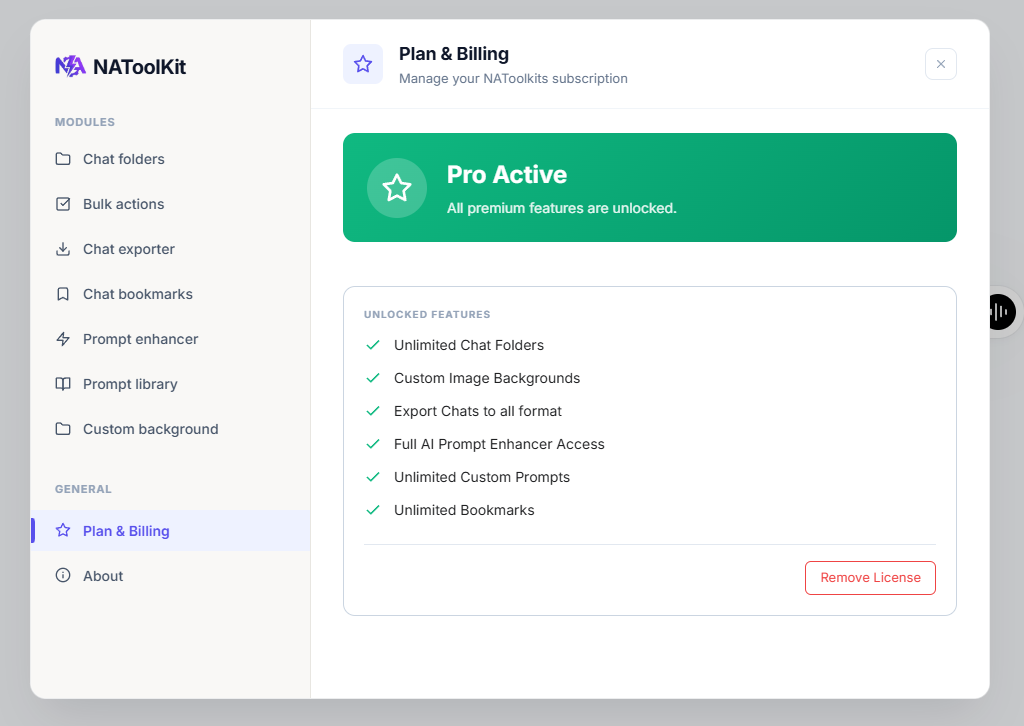
Your premium subscription status will now show as active.